

Sources checked October 18, 2026
Get to know the device
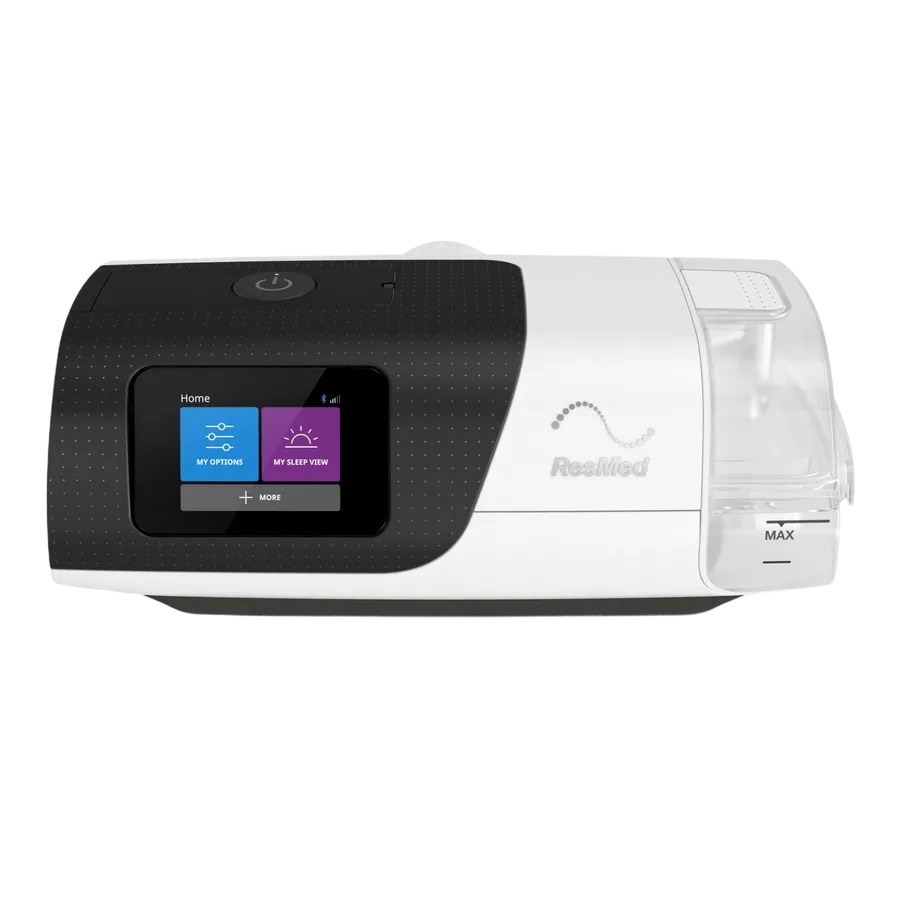
Start with the overview below and the user guide for your model. ResMed's myAir Personal Therapy Assistant also offers setup guidance and a Test Drive feature to help you get comfortable.
Open My Options
Use the touchscreen to find your patient comfort settings. Climate Control Auto requires compatible ClimateLineAir heated tubing. If your screen differs from the instructions, ask Medigy.
Cleaning and reassembly
Watch the manufacturer demonstration below. Follow the user guide for your chamber and tubing, and the separate instructions for your mask. Reassemble components only after drying as directed.
Find your user guide
Open the ResMed resource page below. Its Documents center links to the AirSense 11 AutoSet and CPAP support pages.
Watch the manufacturer guide
Use videos that match your exact device or mask. Follow the instructions supplied with your device and mask.
AirSense 11: get to know your device
Video by ResMed. YouTube loads when you press play.
Watch on YouTube (opens a new tab)AirSense 11: cleaning and caring for your device
Video by ResMed. YouTube loads when you press play.
Watch on YouTube (opens a new tab)Sources & manufacturer resources
General education from Medigy. This guide does not replace your clinician’s advice or the instructions for your device and mask. Ask your clinician before changing prescribed therapy settings.